Keep daily apps, folders, dashboards, project boards, and client links on a physical-feeling surface.
A Stream Deck-style remote for your Mac
Control your Mac from your phone.
Stop breaking focus to hunt through apps, menus, tabs, and shortcuts. SuperDeck turns the iPhone beside your keyboard into a tactile control surface for the Mac actions you repeat all day.
Apps
Hotkeys
Websites
Spotify
Widgets
Commands
Themes
Gestures
Why it exists
Stop wasting clicks.
Turn obscure hotkeys into named buttons for design tools, editors, media apps, meetings, and utilities.
Move repeat controls to the iPhone beside your keyboard instead of opening another Mac window.
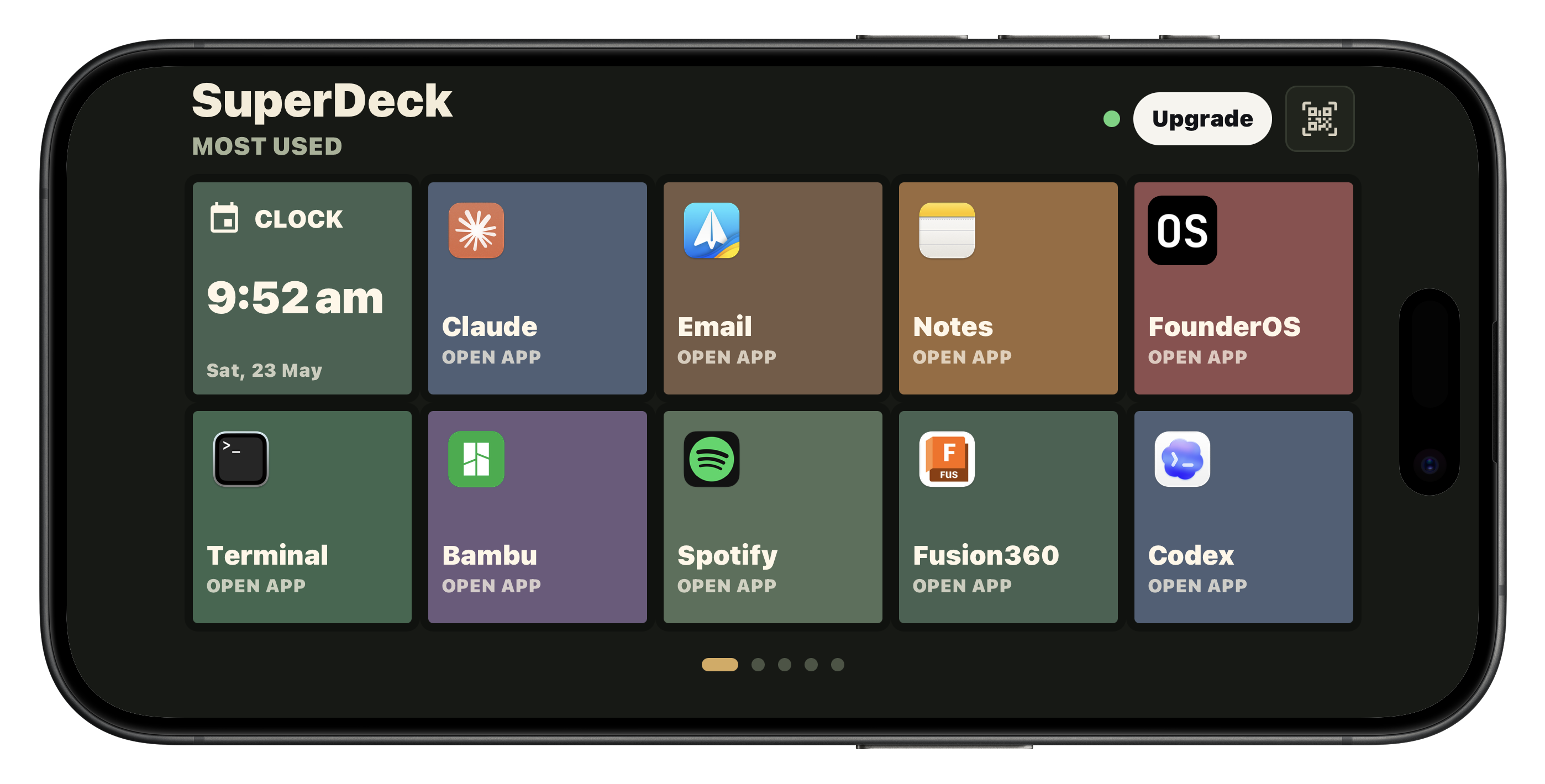
App launcher
Keep your daily tools within reach.
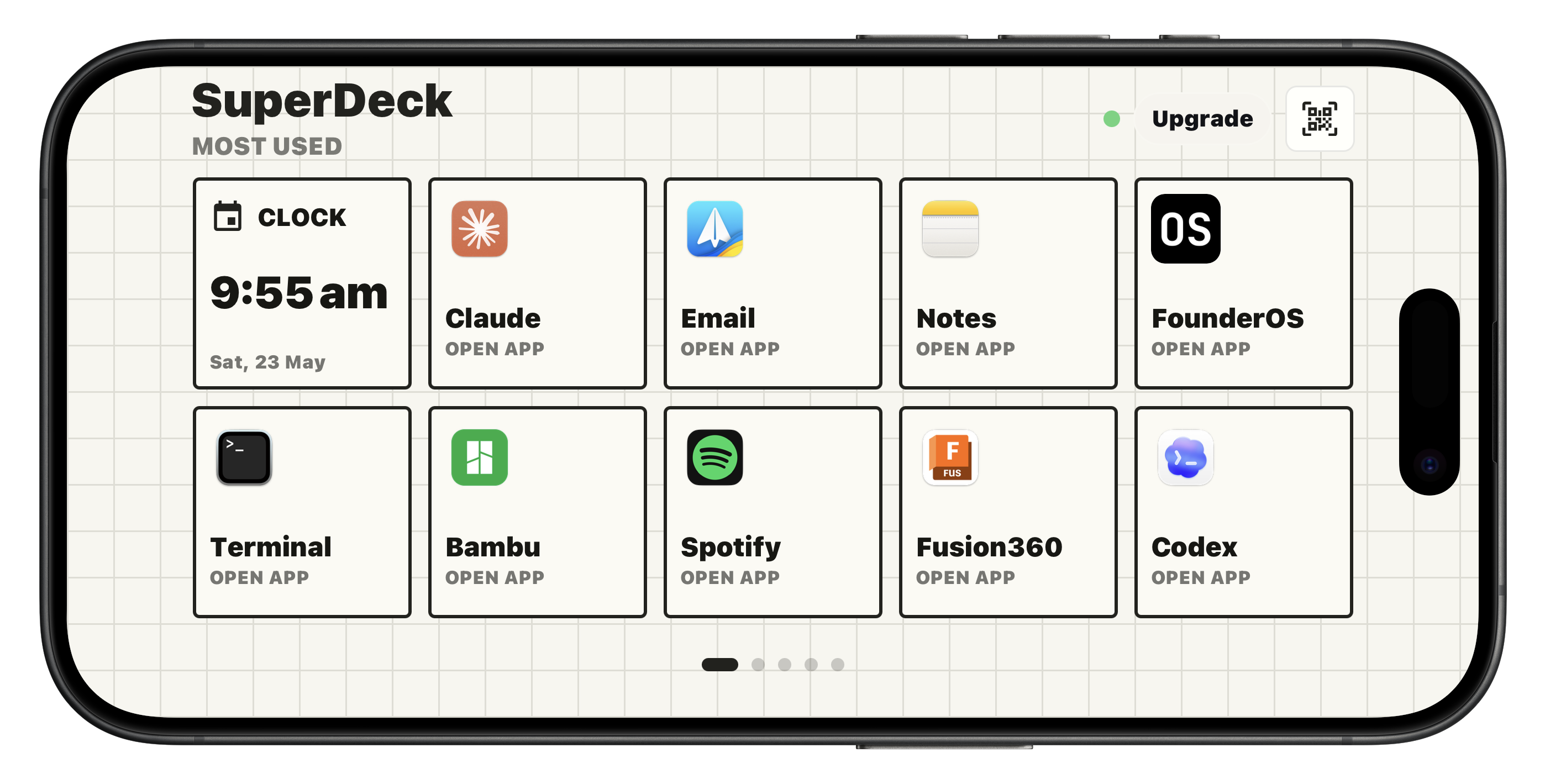
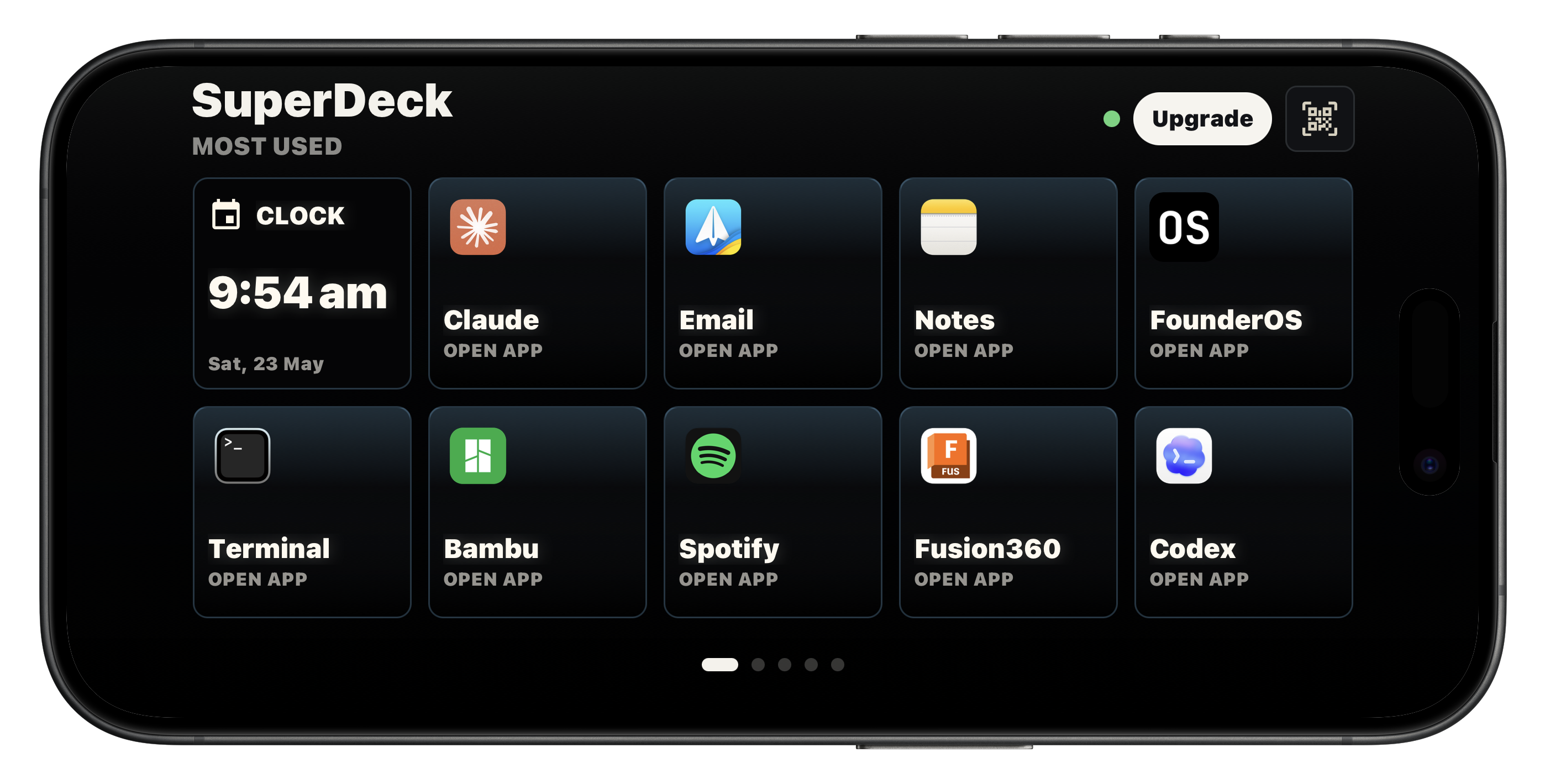
Make a deck for the apps, folders, notes, dashboards, and workspaces you open every day. Keep it beside your keyboard and stop rebuilding your setup from memory.
Hotkey pads
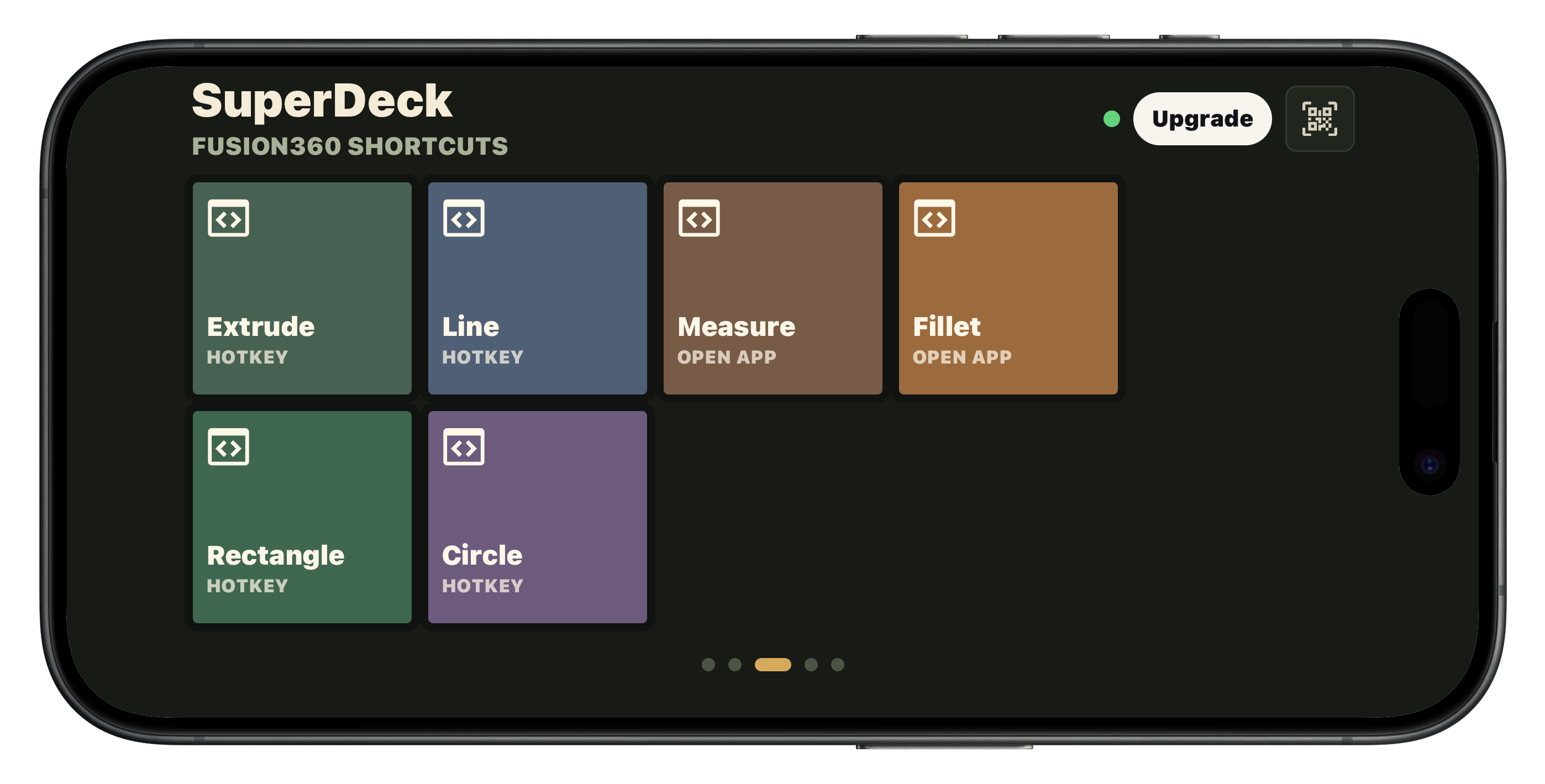
Surface your shortcuts. Move faster.
Put Fusion360, Figma, Final Cut, editor, streaming, and presentation shortcuts behind clear labels. If your Mac can run the hotkey, SuperDeck can make it reachable.
Media controls
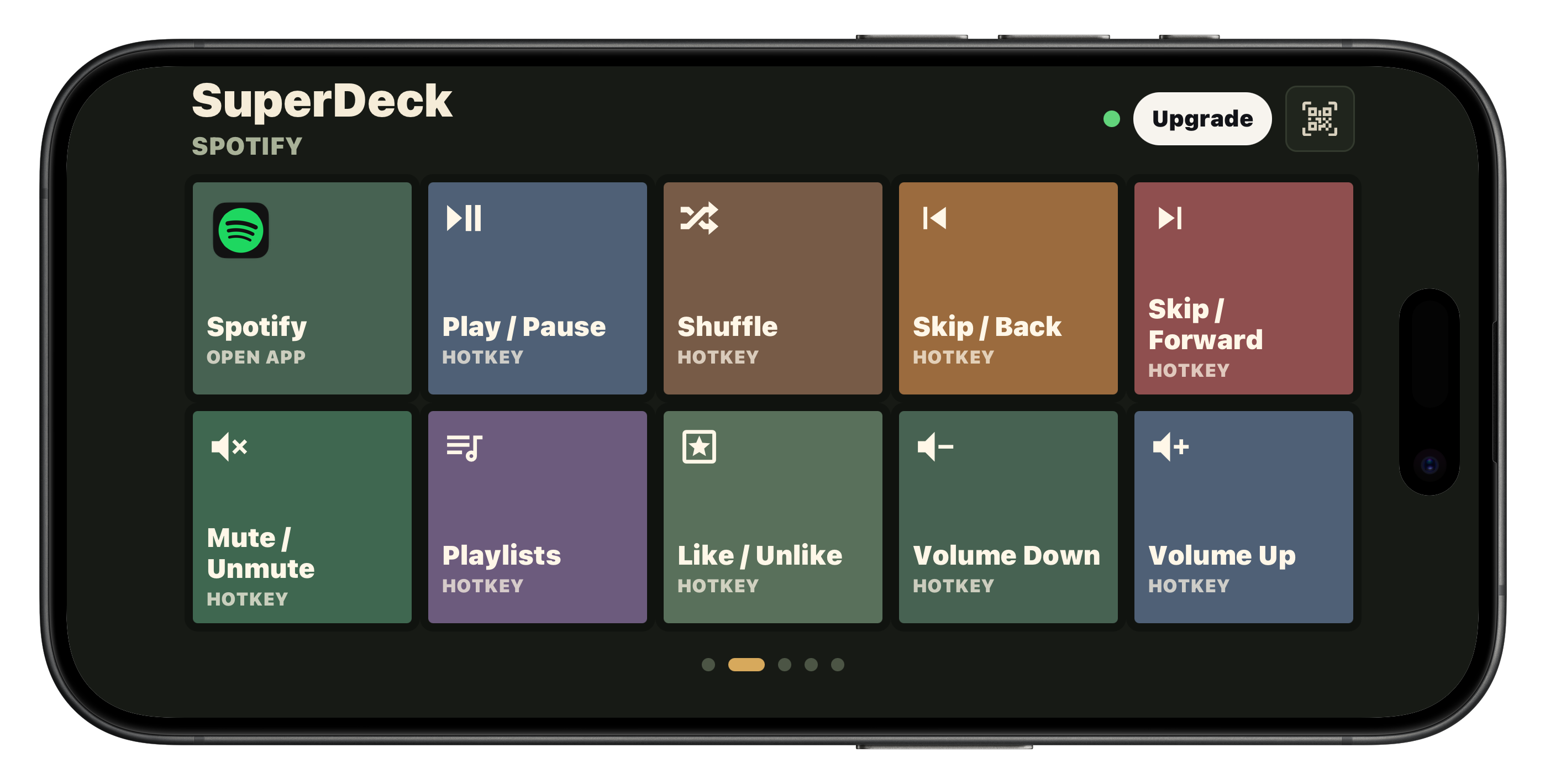
Music controls that stay out of the way.
Play, pause, skip, shuffle, mute, adjust volume, like tracks, and jump playlists from a dedicated music deck. Your Mac stays on the task in front of you.
Website decks
Your important sites, always in reach.
Build screens for client portals, creative references, admin dashboards, docs, support queues, analytics, and the sites you need fast but never want cluttering your browser.
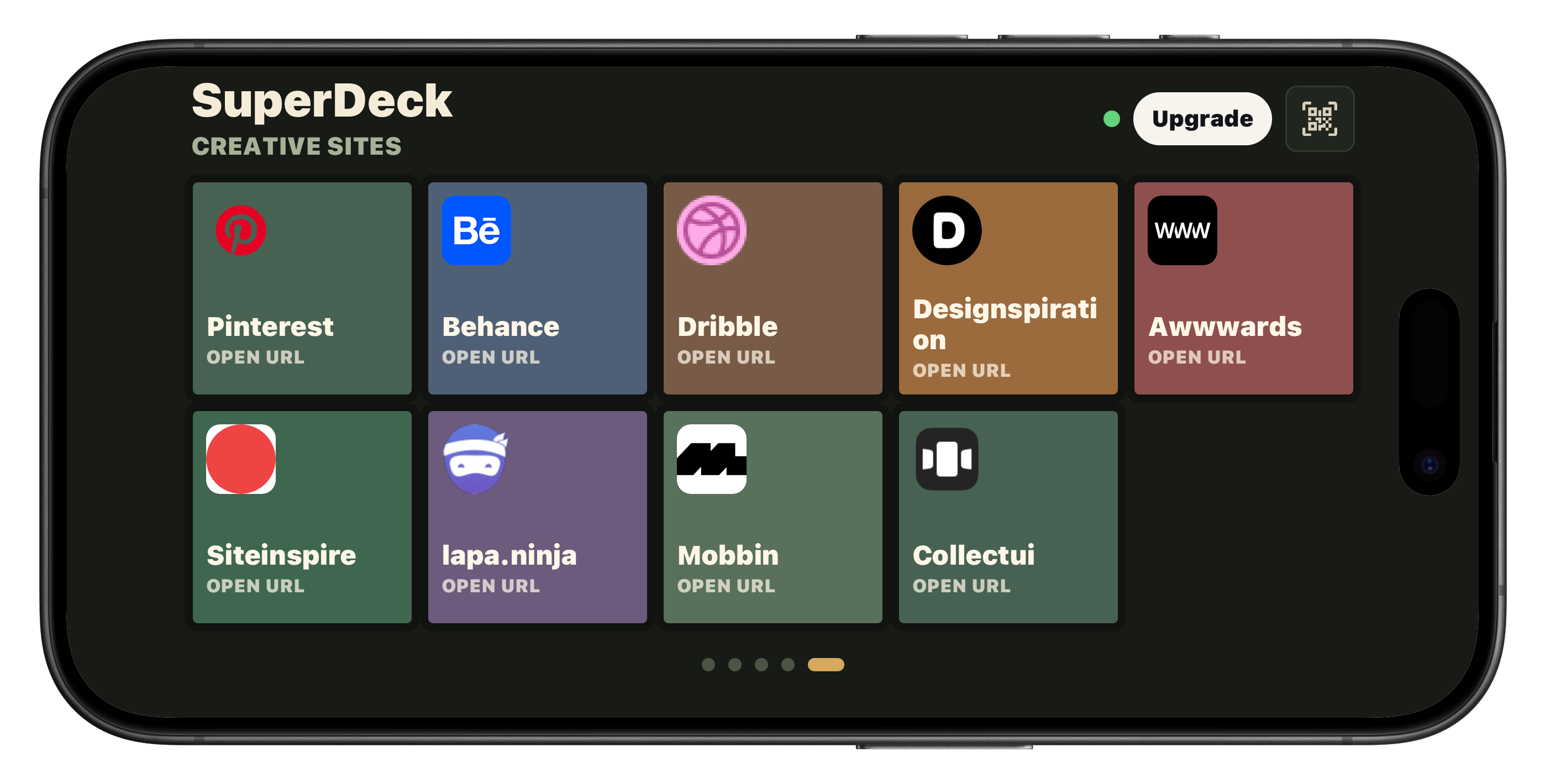
Decks for every workflow
Separate decks for each job.
Keep your launcher, music controls, shortcut pads, and website boards separate. Swipe between focused decks without changing the visual language of your setup.
Mac companion
Build it on Mac. Run it from iPhone.
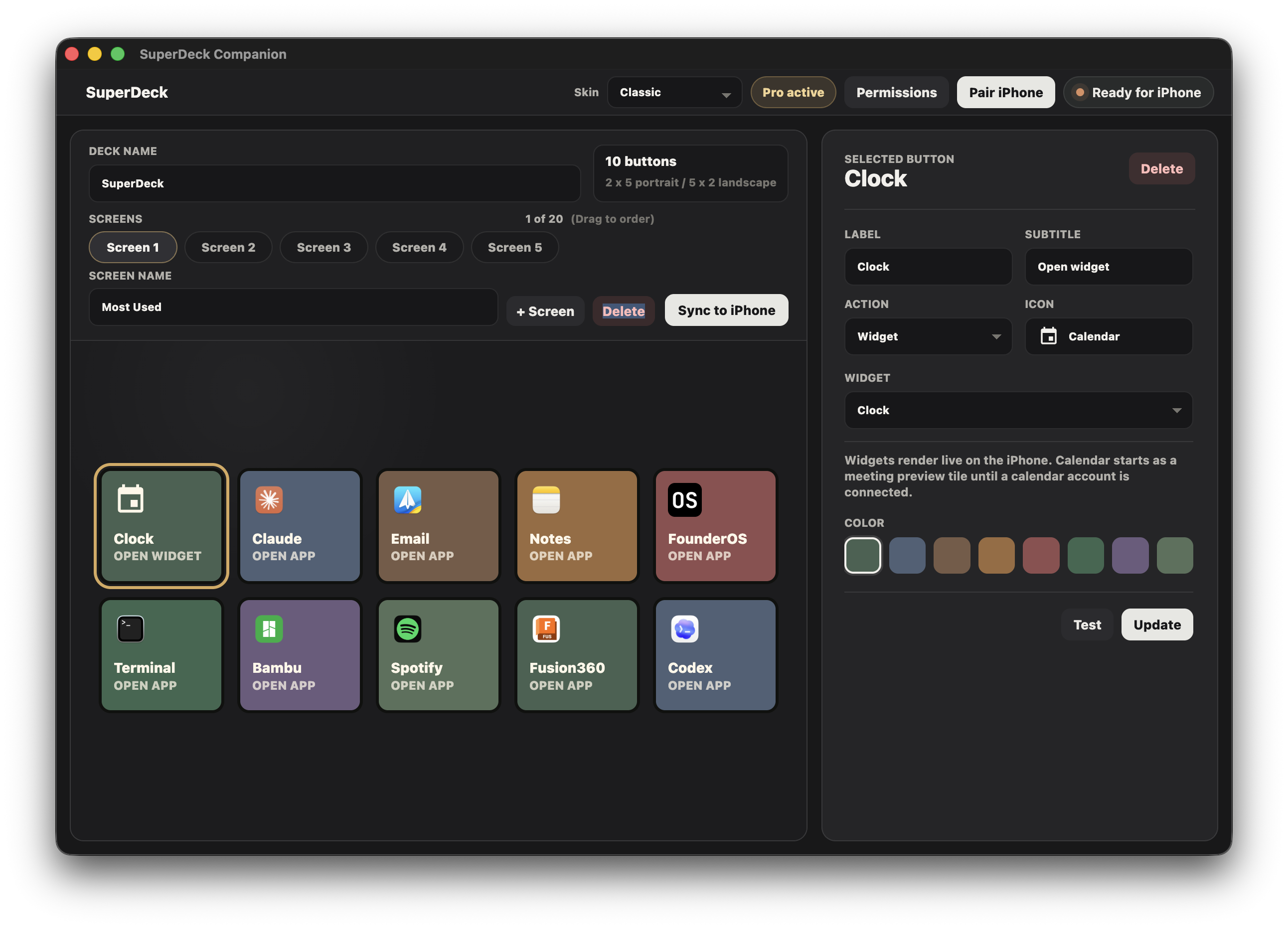
Scan the QR code from the Mac companion. No IP addresses, no manual setup.
Pick apps, URLs, hotkeys, widgets, colors, and icons from the desktop builder.
Commands are approved on the Mac. The iPhone only requests actions you configured.
Skin library
Choose a skin that suits your setup.
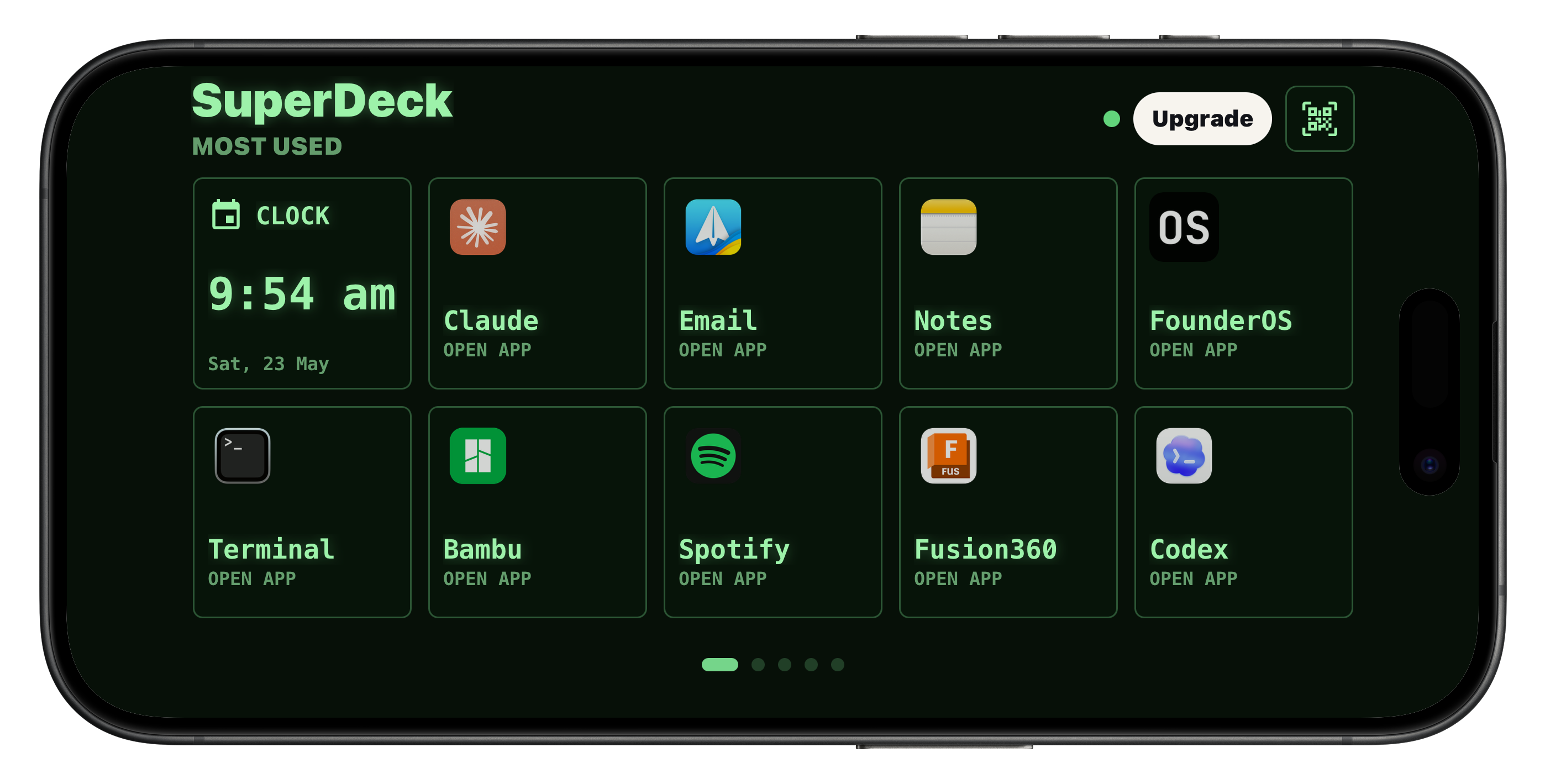
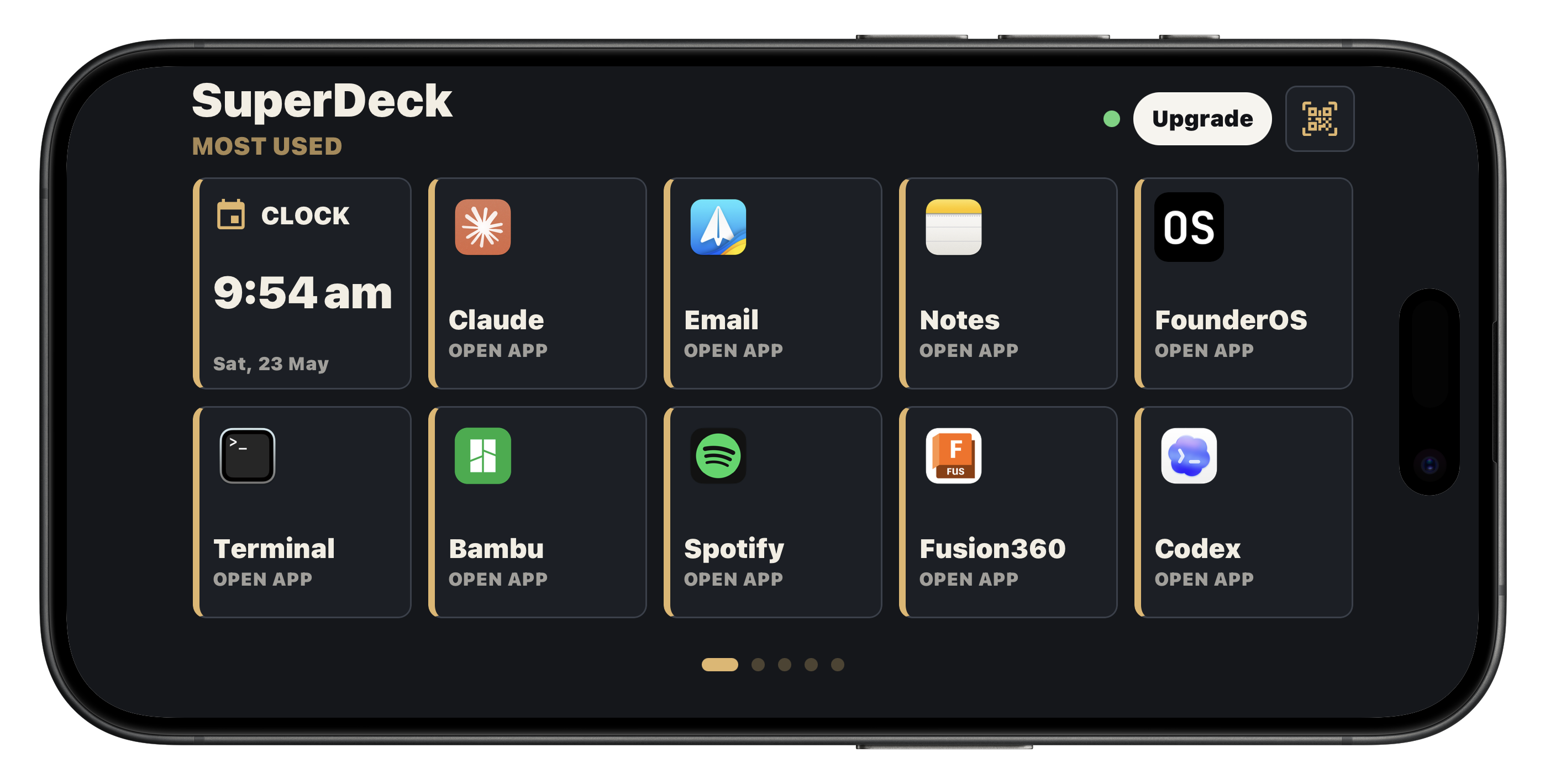
Match your deck to your desk. Switch between clean, hardware, OLED, terminal-style, and light skins for different workflows, lighting, and personal taste.
SuperDeck Pro
Unlock more decks as your setup grows.
Start free. Upgrade when you want more screens, premium skins, widgets, hotkeys, local commands, and dedicated decks for every part of your day.
Up to 20 screens
Premium skins
Widgets
Hotkeys
Local commands
Gesture actions
Give your Mac real buttons.
Install the iPhone app and Mac companion, pair once, then start turning repeat actions into buttons you can hit without looking away from your work.